

Relevance AI Referral Code & Link
No extra signup bonus verifiedUse Relevance AI referral code john-smith to explore its agent platform; no extra signup credit or discount is shown with this invitation.
Referral Links
(1)Links are shown in random order so everyone gets equal visibility.
Relevance AI referral code: the current invitation
The Relevance AI referral code john-smith is available through the personal invitation link. No additional customer discount, free month, or signup credit was displayed with this invitation on October 7, 2026. Use the link to explore the official agent platform and follow the account options available there.
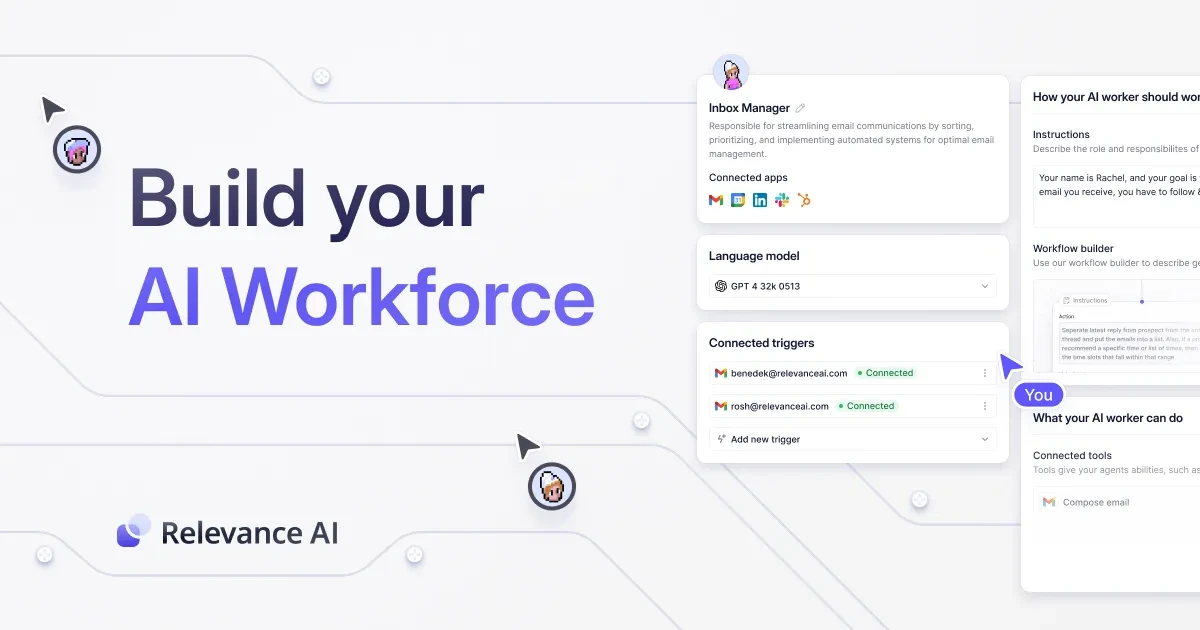
Relevance AI provides tools for building AI agents and arranging work between them. The invitation is a route to the service, rather than a promise of extra capacity or a paid subscription. Evaluate the platform against a specific task, then review the current account and pricing information before making a purchase decision. The program does not establish a customer cash reward for using this link.
What the link means
A Relevance AI referral code identifies an invitation through the website address. This link includes via=john-smith. The identifier is already part of the URL; it is not a separately issued checkout coupon and does not itself specify a customer discount.
The official affiliate page confirms that the invitation program is active and that personal links are provided. Neither the reviewed program page nor the issued dashboard link showed an extra benefit for the new customer. If an offer appears during your own signup, read the displayed amount, eligible plan, and conditions together before relying on it.
How to use the invitation
Open the Relevance AI referral code link and continue through the official website's account flow. Confirm the domain before entering account details. Any available trial, free access, or paid option follows the service's current account terms, rather than a reward promised by this invitation.
- Visit the invitation and confirm that the destination is
relevanceai.com. - Read the product information for the task you want to evaluate.
- Follow the official signup instructions if you decide to create an account.
- Check which capabilities and limits are available in your account.
- Review the selected plan and final billing amount before any purchase.
You do not need to choose a subscription merely because you opened the link. If the available options do not suit your work, leave the signup or purchasing flow without completing a payment.
Choose a small first task
The Relevance AI referral code can help you reach the platform, but it does not define what an agent should do. A practical first evaluation has a clear input, an expected output, and a way to check whether the result is useful. Begin with a narrow task before connecting a larger process.
For example, you could evaluate whether an agent can turn sample information into a structured draft for your review. Write down which facts must be preserved and which decisions require your judgment. Keep the test separate from a live process that sends messages or changes records. A small evaluation makes it easier to identify inaccurate outputs and decide whether to continue.
Product capabilities and account limits
Relevance AI describes a platform for agents, tools, and workflows used across functions such as sales, marketing, operations, research, and support. The actual features available to you depend on the selected product and account. The official pricing page is the place to begin reviewing current options.
Before expanding a test, inspect the account's usage limits and any charges associated with the tools or services you connect. An invitation does not grant unlimited execution or access to every integration. Compare the expected work with the capacity shown in your account, and do not infer a credit allowance from a tutorial written for a different plan or date.
Review connected services before using them
Connecting an external service can change what your agent is able to read or do. Review each permission in the connection screen and choose only the access needed for the task. Use sample information while you are still deciding how the workflow should behave.
Keep a clear distinction between generating a draft and taking an external action. Check outputs before they are used in customer communication or business records. Where a task needs judgment, make that review part of your process. The invitation does not validate the agent's decisions, replace your review, or authorize additional access to other accounts.
FAQ
Does the link include a signup bonus?
No extra signup bonus was displayed for this Relevance AI referral code on October 7, 2026. No additional credit amount, discount, or free paid month is promised here. Any ordinary access shown during signup comes from the service's current account options.
Should I enter john-smith in a coupon field?
Use the complete invitation URL. The identifier appears in the address as a via parameter. No separate coupon was issued with the link, so there is no confirmed checkout discount associated with typing this value into a coupon field.
Is a paid subscription required by the invitation?
The invitation itself creates no obligation to subscribe. Follow the official account flow and review the options shown for your account. If you choose a paid plan, confirm the billing period, included capacity, renewal terms, and total price before completing the purchase.
Can an agent be connected to other accounts?
The platform provides integration and tool options, but availability depends on the product and account. Review the permissions and any associated costs for each connection you choose. An invitation does not automatically connect external accounts or grant permission to act on them.
Does the invitation guarantee a useful result?
No. A Relevance AI referral code does not guarantee that an agent's output is correct or appropriate for your task. Start with a small evaluation, compare the result with your requirements, and review factual details before using the output in a live process.
Where can I confirm a new customer offer?
Confirm a displayed offer on the official signup, account, or checkout screen. Read its conditions alongside the selected plan. If no additional customer offer is shown, treat the invitation as a route to the ordinary service rather than a promised bonus.
Information
Categories
Tags
More Referral Codes

Get 5 bonus credits when you sign up

Get 20% off eligible Rytr plans

Try Vizard video clipping for free
Share Your Referral Code
Join our referral program to share your invite code or referral link with people looking for current referral offers. Rewards depend on each program's terms and eligibility rules.