

OpusClip Referral Code & Link
Explore OpusClip with free signupUse OpusClip referral code john40 to explore AI video clipping through a personal link. Ordinary free signup has its own plan limits.
Referral Links
(1)Links are shown in random order so everyone gets equal visibility.
OpusClip referral code and personal signup link
The OpusClip referral code john40 is included in the personal link https://opus.pro/?via=john40. Use that address to visit OpusClip and explore its AI video clipping tools. The current partner dashboard provides this link, but it does not display an additional invitation-only discount or credit bonus for new users. The free signup option described on OpusClip's website is an ordinary product offer.
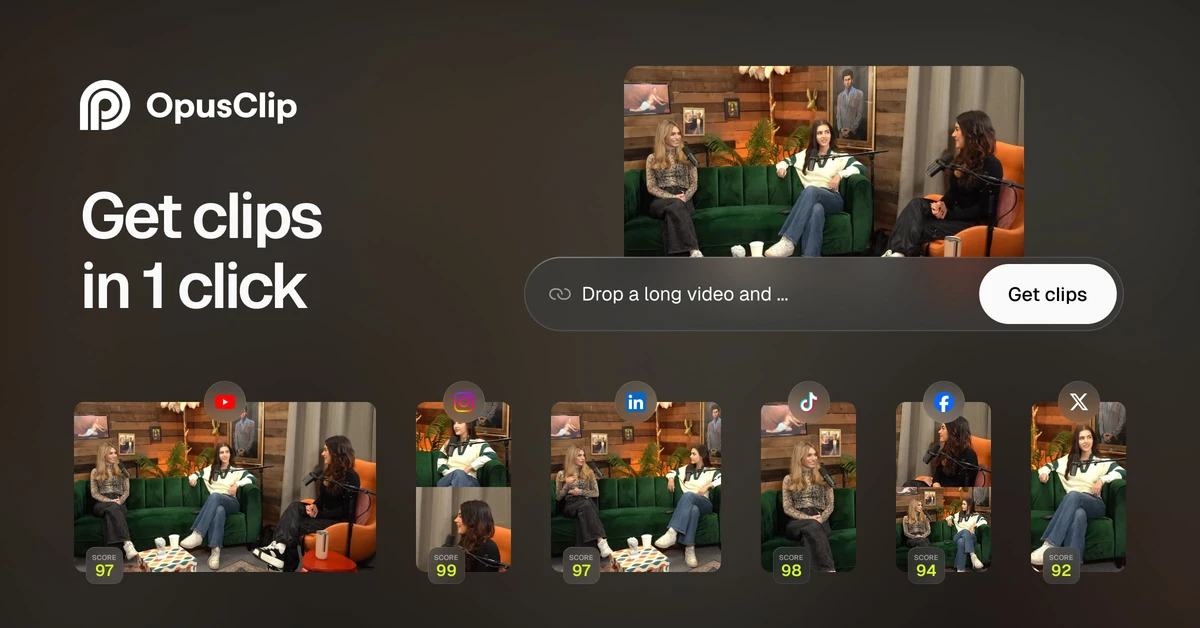
OpusClip helps turn longer recordings into shorter clips. Its website presents AI clipping, captions, reframing, and editing tools for creators and businesses. If you already make interviews, educational videos, podcasts, or other recordings that you are entitled to edit, you can use a small sample to evaluate whether its approach saves you time.
What this link does
Following the OpusClip referral code link carries the via=john40 identifier into the OpusClip website. The invitation was obtained from an authenticated partner dashboard after email verification and account setup. It is a personal referral address, rather than a universal promotional coupon that you can enter at any checkout.
No separate newcomer reward is shown beside this link. Avoid expecting an extra month, a specific discount, or a larger processing allowance unless OpusClip explicitly presents one to you. You can still review the standard free signup and paid plans on its own website. Their current features and limits apply independently of the personal invitation identifier.
How to get started
To use the OpusClip referral code, open the invitation button on this page or copy the full URL above. Follow the signup options presented by OpusClip, and use an email address that you control. Read the plan description before providing a payment method or enabling a paid feature.
- Open the personal link containing
via=john40. - Review OpusClip's current free signup or subscription options.
- Register with an email address you can verify.
- Use a short video that you own or have permission to edit.
- Review the generated clips before exporting or publishing them.
An invitation link does not guarantee access to every feature shown on the homepage. Different plans may have different upload sources, processing allowances, export options, and collaboration tools. Check the settings and limits available in your own account before building a larger production workflow.
Evaluate clips with your own footage
After following the OpusClip referral code link, try a recording with a clear topic and understandable audio. A useful first test might be an interview answer, a short lesson, or a section of a presentation. Compare the suggested clips with the original material and decide whether each one gives a viewer enough context.
Pay attention to the beginning and ending of a clip. A short segment can sound misleading if it removes the question that prompted an answer or cuts off a qualification. Adjust the selection so that the clip communicates what the speaker intended. AI suggestions are a starting point for your review, rather than a guarantee that every chosen moment is ready to post.
Check captions and framing
Using an OpusClip referral code gives you a route into the same product described on the official site. Its promoted tools include animated captions and AI reframing. When those tools are available on your plan, check captions for names, numbers, and specialist vocabulary. Even a readable caption can contain a transcription mistake that changes the meaning of the recording.
For vertical or square clips, inspect how the frame follows the subject. Make sure that demonstrations, slides, or important objects remain visible. Watch the exported result on a screen similar to the one your audience will use. A layout that looks acceptable in an editor may hide detail when displayed on a small phone screen.
Build a manageable editing routine
The OpusClip referral code link can be useful when you are comparing ways to reuse long-form material. Start with one recording and a small set of clips. Keep notes on the time needed for uploading, reviewing, correcting captions, and exporting. That gives you a more practical comparison with your current editing process than counting only the time spent generating suggestions.
Before connecting social accounts or enabling scheduling, review the permissions requested by the product. Publishing a clip is a separate decision from creating it. Confirm rights to the video, audio, and any added material, and check the finished edit before sharing it with an audience. The platform cannot promise views, followers, or a particular response to your content.
Frequently asked questions
What is the personal code?
The OpusClip referral code is john40, carried by the via parameter in https://opus.pro/?via=john40. Follow the complete link to visit the official website with that identifier attached.
Does the invitation provide a discount?
The checked partner dashboard does not show an extra invitation-only discount or free-credit bonus. Review any offer that OpusClip presents during your own registration. Do not treat the ordinary free signup option as an additional referral reward.
Can I try the tool before buying a plan?
The official homepage advertises free signup. Check the current account limits and available features after registering, because the personal link does not guarantee a particular processing allowance or unrestricted exports.
Will every clip be ready to publish?
Review each clip yourself. Check context, captions, framing, audio, and rights to the source material. AI editing tools can reduce some preparation work, but they do not guarantee that a clip is accurate, appropriate, or successful with your audience.
Where can I confirm the current details?
Use the official OpusClip website and program page, or open the OpusClip referral code invitation above. The personal link was verified on October 7, 2026. Current product and payment screens determine which features and prices apply to your account.
Information
Categories
Tags
More Referral Codes

Get 5 bonus credits when you sign up

No extra signup bonus verified

Get 20% off eligible Rytr plans
Share Your Referral Code
Join our referral program to share your invite code or referral link with people looking for current referral offers. Rewards depend on each program's terms and eligibility rules.