

TikTok Referral Code & Link
Check the local in-app invitation benefitTikTok referral code: TikTok invitation rewards depend on the active local campaign and account eligibility.
Referral Links
(1)Links are shown in random order so everyone gets equal visibility.
TikTok referral code: current new-user benefit
Use TikTok referral code with the complete personal TikTok invitation. TikTok invitation rewards depend on the active local campaign and account eligibility. The retrieved invitation and terms do not establish a universal newcomer amount. Follow the local app’s new-user, task, age and expiry requirements before relying on a reward.
Benefit information was checked on October 3, 2026.
That TikTok referral code activity has passed its July deadline. The link still opens TikTok’s incentive route, but a current reward must be shown in your own eligible app activity.
The previously documented scan-code event ran from July 5 to July 6, 2026, while another card ran from June 30 to July 7. Those periods have ended. A current reward requires a new eligible activity displayed inside TikTok; an old screenshot does not extend either deadline.
These were July screenshot amounts, not current offers or permanent TikTok terms.
How the TikTok Referral Code Works
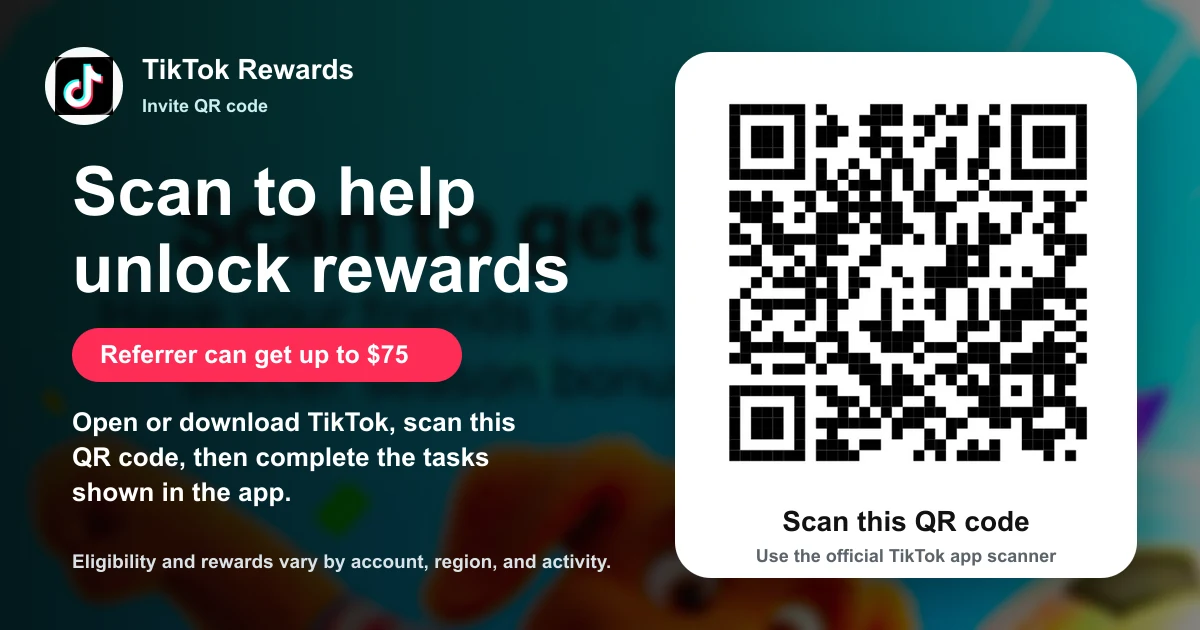
The TikTok referral code works by routing the invited person through the official TikTok app, the TikTok download flow, or the in-app scanner.
The rules say the invited person may need to download TikTok, register within 24 hours after downloading, log in, and complete simple tasks. This means the TikTok referral code is more than a simple click; the friend often has to finish the displayed task before the reward counts.
Eligibility and Important Terms
TikTok referral rewards are restricted by eligibility, activity status, and anti-abuse checks. The screenshots say the campaign may only be available to certain users, underage users may not be able to participate, and accounts showing abnormal activity may be excluded.
Extra bonus availability is limited to selected users, and selected new TikTok users must see the feature on their Rewards page to qualify. TikTok also reserves the ability to change or cancel event details, rewards, or conditions without prior notice, so the current app page should be treated as the controlling source.
How to Use a TikTok Referral Link
- Open the personal TikTok mobile invitation.
- Confirm the official app opens the scan-code or invitation activity.
- Read the current event dates, age, account and location eligibility.
- Follow the actual signup, scanning or viewing tasks shown to you.
- Finish before the displayed deadline and confirm rewards in the app; do not rely on expired July screenshots.
The safest flow is to follow the app's sequence without skipping steps: download or open TikTok, create or use an eligible account, scan or open the TikTok referral code, then complete the task shown in TikTok. The rules warn that tasks can refresh at 12:00 AM midnight on the same day, and tasks may expire after that time. Users should complete any required login, viewing, or return task before the displayed deadline.
Is the TikTok Referral Program Worth It?
The screenshots make the offer more concrete than a generic referral page because they show dollar amounts, user categories, and task rules.
The offer is still not guaranteed for every user. A new user, a 30-day inactive user, a same-day inactive user, and another existing user all appear to have different reward outcomes.
Which personal invitation is listed here?
The invitation is https://www.tiktok.com/d/1/ZP9Mewe7yoan7-hXleS/.
Because TikTok displays multiple activity modules, users should verify the exact friend-side reward on the current app page before assuming it applies.
What must an invited user do?
The screenshots say a new user may need to download TikTok, register within 24 hours, log in, and complete simple tasks. An extra-bonus rule says invited friends may need to watch videos for at least 15 seconds for the reward to be added.
When do TikTok referral tasks expire?
The screenshots say each invited friend must complete tasks before they refresh at 12:00 AM midnight on the same day. After that refresh, the task may expire and may no longer count for reward claiming.
TikTok can change event dates, reward tiers, task rules, eligibility and availability. Read the current activity in your own account before starting. The link responds, but only a current eligible in-app event can establish a reward.
TikTok invitation: before you continue
Read any invitation campaign inside the official app before deciding to participate. Check the eligible country, account history, required actions, benefit, and campaign deadline shown to you. A campaign displayed to another account can have different conditions. Keep the offer screen if you need to ask support about a missing benefit. Ordinary app use and an invitation campaign are separate activities, so do not assume a public shared link guarantees the same reward in every market. Use the account's current terms for any specific promotion.
TikTok invitation: signup questions
TikTok referral link users should open the complete invitation before account registration. TikTok invite code entry depends on the official signup flow. Review TikTok eligibility and TikTok signup terms before choosing a paid option.
Official benefit sources
Information
Categories
More Referral Codes

₹200 off a first order

Get $1 welcome credit at signup

Join paid research with a free account
Share Your Referral Code
Join our referral program to share your invite code or referral link with people looking for current referral offers. Rewards depend on each program's terms and eligibility rules.