
pCloud Referral Code & Link
Referrer gets 1GB per verified friendShare a pCloud referral link to earn 1GB per verified friend, within free-storage limits. Friends must register in the same data region.
Referral Links
(1)Links are shown in random order so everyone gets equal visibility.
pCloud Referral Code Overview
A pCloud referral code connects a new cloud-storage account to the person who invited its owner. This offer uses a personal registration link. Open the invitation on this page before creating an account, then verify your email. The current Invite Friends account screen advertises 1GB of extra storage for the referrer for each successful invitation. It also describes a monthly chance to win a 500GB Lifetime plan. The storage award and the prize draw have different conditions, so check both before sharing an invitation.
The official referral guide lists a maximum of 3GB in referral storage bonuses. The account screen separately caps total free storage at 10GB. These are limits on different quantities: extra referral storage and overall free-account capacity. The registration link does not promise a separate fixed storage bonus to the invited friend.
What pCloud Does
pCloud stores photos, videos, documents, and other files online. Its official iOS listing describes automatic photo and video uploads, access across devices, media streaming, and sharing large files with a link. These functions make it useful for keeping a small document collection accessible or moving personal media between a phone and a computer. Start with a sample folder to see whether its organization and available capacity suit your needs.
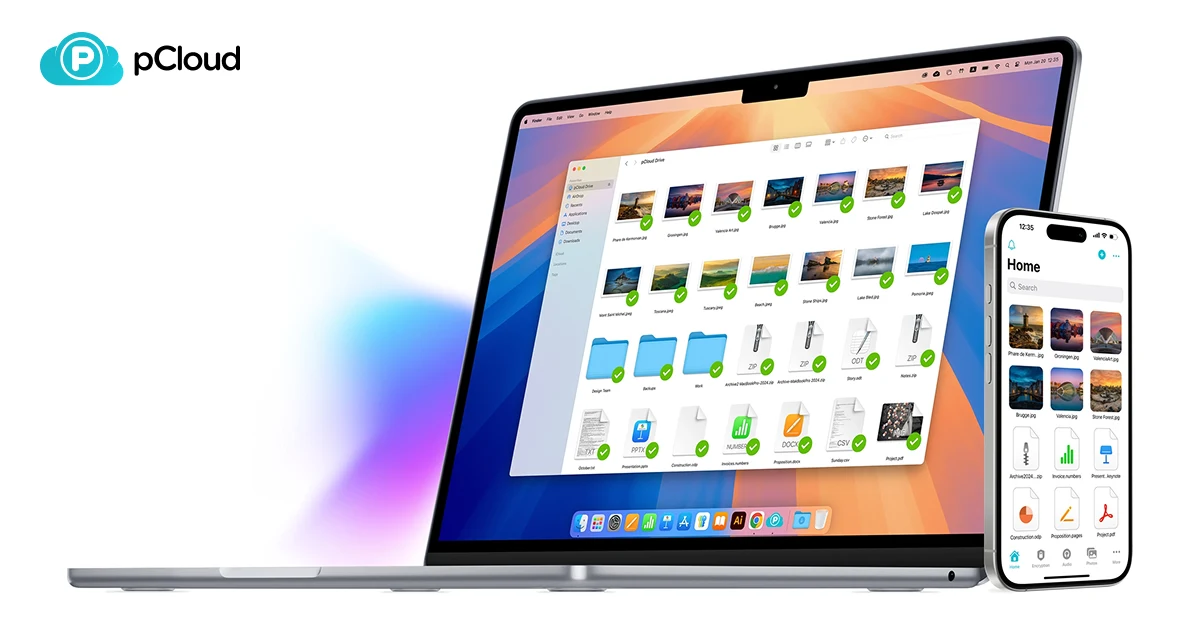
The apps page offers clients for Windows, macOS, Linux, iOS, and Android. pCloud Drive provides access to cloud files through a desktop interface. Local synchronization, backup, and online storage serve different purposes; review your chosen folder settings before deciding which files to keep locally. Available storage depends on the account and plan rather than on the invitation identifier.
How to Use the Invitation Link
To use this pCloud referral code, open the personal invitation linked above and complete the registration presented by pCloud. Keep the entire address intact, including the part after the hash symbol. In this invitation, that section contains the registration route and the invite identifier. Removing it can turn a referral address into a generic website visit.
Verify the email used for the new account, then check your storage dashboard and the welcome steps. Use your actual contact details so you can receive verification and account-recovery messages. A link to register does not replace those steps. If you already have an account, review the program's eligibility before assuming another signup will qualify; avoid making duplicate accounts simply to pursue a reward.
Referrer Rewards and Storage Limits
The signed-in Invite Friends page states that a successful referral requires an accepted invitation and a verified email. It awards the referrer 1GB per qualifying friend, subject to the storage limits. Its statistics can help the inviter see whether a new account has counted. A sent invitation alone does not demonstrate a completed referral.
Treat the pCloud referral code as an opportunity to grow eligible storage gradually. The help guide's 3GB referral-bonus limit and the dashboard's 10GB overall free-space ceiling should both inform expectations. For example, if your account is already near its free-storage ceiling, additional invitations need not produce the same space increase as they would for an account with room remaining. Check the available quota before relying on a projected reward.
Data Region and Referral Eligibility
The account's invitation screen adds a condition that matters during signup: only friends registering in the same data region as the inviter count. The data-regions help page explains that pCloud offers United States and European Union storage regions and lets users choose a region during registration. Existing users can check their region in account settings.
Before sending a pCloud referral code, tell a prospective friend to review this region condition alongside their own storage preferences. A referral reward should not determine a choice that matters more to their use of the service. If a referral fails to appear, check email verification, the invitation used, and the region before asking support to investigate. Keep the invitation and signup details available for that conversation.
Monthly Lifetime-Plan Draw
The current account screen advertises a chance to win 500GB of Lifetime storage. It says statistics reset monthly, a winner is selected randomly, and one person may win only once. It also limits counted invitations from the same IP address to ten successfully registered people. Invites made after the free quota reaches its maximum are subject to the screen's separate challenge rule.
Using a pCloud referral code does not guarantee a Lifetime plan. Decide whether to use the storage service based on its ordinary features and usable quota, then treat any draw entry as an additional possibility. Keep the difference between a credited storage increase and a possible prize clear when explaining the offer to friends.
Sharing Files and Inviting Friends
pCloud's file-sharing page describes share links, invitations to collaborate on folders, and file-request links. A recipient can receive a file link without having a pCloud account. Folder collaboration works with other pCloud users and allows permissions to be assigned. A file request lets others upload to a selected folder without seeing its contents.
Those sharing tools are useful independently of a pCloud referral code. A folder invitation concerns access to files, while a referral invitation concerns account registration and rewards. Send the link that matches your purpose. Review access permissions before sharing personal documents, and check your plan for optional controls rather than assuming every advertised sharing feature comes with a free account.
Frequently Asked Questions
Is this a link or a coupon to type?
This pCloud referral code is supplied as a personal registration URL. Use the complete invitation address. This page does not claim that its identifier is a coupon accepted in a billing field.
Does the invited friend receive a guaranteed extra 1GB?
The verified offer awards 1GB to the referrer per qualifying friend. A separate fixed 1GB award for the invited friend has not been confirmed. New users should check their own dashboard for available storage and welcome tasks.
Can referrals unlock unlimited free storage?
No. The help guide lists up to 3GB of referral bonuses, while the account screen caps total free quota at 10GB. Additional invitations do not remove those limits.
Is a paid plan required for the referral signup?
The official guide describes a successful invitation as creating a free account and verifying its email. Paid storage options are separate. Check the current program terms and your account's eligibility when registering or sharing.
Information
Categories
More Referral Codes

Get $20 credit when you join via an invite

Get 100 bonus LingQs when you sign up

Get 10 GB extra storage on eligible signup
Share Your Referral Code
Join our referral program to share your invite code or referral link with people looking for current referral offers. Rewards depend on each program's terms and eligibility rules.