

Panda Mobile Referral Code & Link
Get $8 bill credit with a referralUse Panda Mobile referral code UI4V for $8 in bill credit after qualifying activation; check the program's 60-day active-service rule.
Referral Links
(1)Links are shown in random order so everyone gets equal visibility.
Panda Mobile Referral Code: Get $8 in Bill Credit
Use the Panda Mobile referral code UI4V when registering to join the carrier's referral program. Official information confirms that a qualifying new customer and the person inviting them can each receive US$8 in Panda credit for future bills. Creating an account alone does not complete the offer: the friend must activate an eligible plan, and the referral page includes a 60-day active-service condition.
The reward was checked on September 24, 2026. Panda Mobile's official referral announcement identifies the credit as a continuing referral benefit, with the precise eligibility and posting rules determined by the referral page and account display.
Current Reward and the 60-Day Condition
The advertised benefit is US$8 for each side of a qualifying referral, used toward later phone bills. It should not be described as cash, an automatic checkout discount, or a guaranteed monthly payment from a single invitation.
The official referral page describes a signup-and-activation sequence, but also says the inviter's discount applies after the referred customer has remained active for 60 days. Those statements do not establish that both balances appear immediately after activation. Check the account's reward status and billing details before relying on a particular posting date.
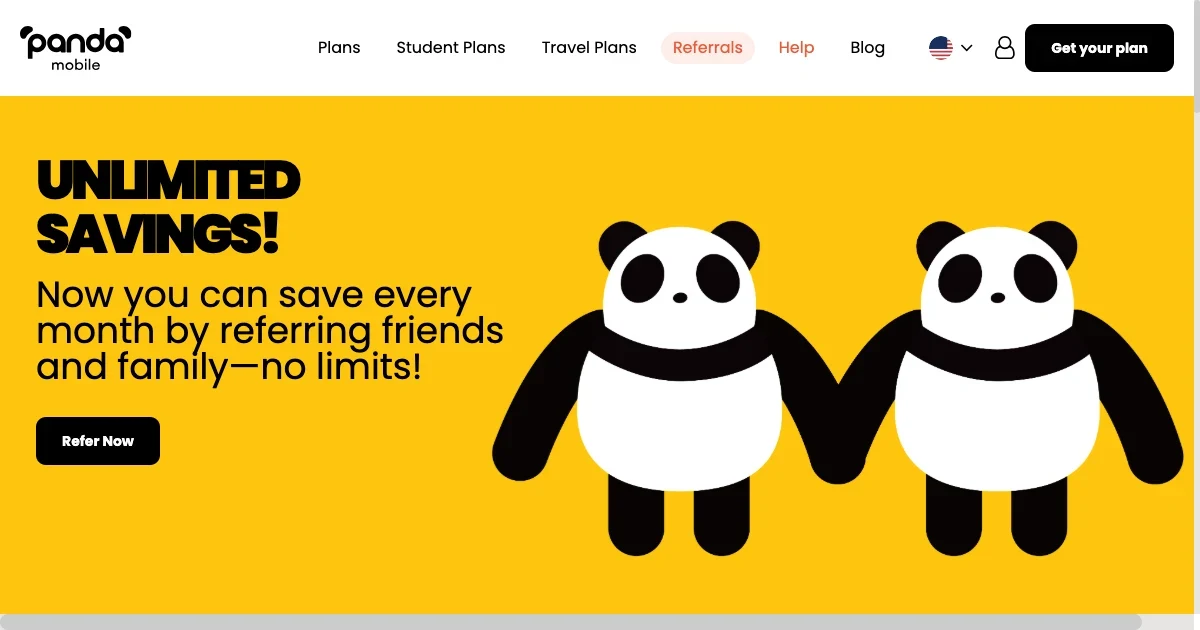
The page promotes referrals without a stated numerical limit. Each additional invitation still needs to qualify. The amount shown for the program does not establish that an existing account, an unactivated SIM, or every separately advertised plan promotion earns the same credit.
How to Use the Panda Mobile Referral Code
Open the Panda Mobile referral link and check the registration form before signing up. This link was verified to select the referral-code option and populate UI4V automatically in the live form.
- Open the invitation on pandamobile.com.
- Confirm that the page is the official registration form.
- Enter the email address and password you want to use for the account.
- Check that the referral field contains UI4V.
- Review the current account and offer requirements before submitting registration.
- Choose an eligible plan, follow the activation instructions, and review the resulting referral status.
If the form does not carry the identifier across, enable the Have a referral code? option and enter UI4V before submitting it. Preserve the complete invitation URL when sharing or reopening it: the ref=UI4V portion carries the code.
Registration, purchasing service, and activating a line are separate steps. A code visible in the form confirms that the invitation reached that form; it does not prove that a later purchase or activation has satisfied every reward condition.
Check Your Phone, Coverage, and Plan First
A Panda Mobile referral code does not change device compatibility or the service available at your location. Panda Mobile provides U.S. phone plans and promotes selected plans with OnePool shared data for use across the United States and China.
The official setup guidance recommends checking coverage and selecting a SIM format suitable for your device. The carrier supports eSIM and physical SIM options, but the appropriate choice depends on the handset and plan. Confirm compatibility before buying, especially if your phone was purchased in a different market.
Choose service based on the data, calling, and coverage you need. A referral credit should be considered alongside the ongoing plan cost, rather than used as evidence that every month or every destination is covered. Review any promotional period and the price that applies afterward.
Student Offers Have Separate Requirements
Student pricing and referral rewards are described separately on Panda Mobile's website. The student-plan page says an EDU email verification is used to unlock the student discount, while its referral section describes sharing a code and a friend's activation.
Using UI4V does not by itself verify student status. If you want a student plan, complete the eligibility steps presented for that offer and check whether the referral benefit can be used with it. Do not assume a temporary student price, travel package, or other campaign is automatically included with this invitation.
Account and Service Conditions Still Apply
The Panda Mobile referral code provides an invitation; normal subscription and promotion conditions still govern service. Panda Mobile's Terms and Conditions link to its service agreement, which requires customers entering the agreement to be at least 18.
The agreement also explains that promotional rewards belong to the offered account, are not cash substitutes, and may have additional conditions. Service termination or missed payments can affect reward eligibility. Maintain the qualifying service and review the account's current offer details rather than assuming an unused reward remains available indefinitely.
Where to Track Rewards or Ask for Help
Manage your account through Panda Mobile's online customer portal and look for My Referrals. The official portal guide says customers use the website to manage service; a separate mobile app is not required.
If the credit has not appeared, check the activation date and the account's displayed qualification status. Keep the invitation code and relevant order or activation details available when contacting the Panda Mobile support team. Ask support to clarify how the 60-day condition applies to your reward and when the credit can be used.
Provide private account information only through an official support channel. A saved invitation can help explain the issue, but support must check the actual account and service history to determine whether the reward is due.
Frequently Asked Questions
What is the Panda Mobile referral code?
The Panda Mobile referral code on this page is UI4V. The linked registration form automatically fills it in, and the same identifier can be entered manually in the referral field.
Do both people receive a reward?
Official information says the inviting customer and the qualifying friend can each receive US$8 in Panda credit. The credit is intended for future bills, subject to activation and the program's conditions.
Is the reward immediate?
Immediate payment is not established. The referral page includes a requirement for the referred service to remain active for 60 days before the inviter's discount applies, so use the account display or support confirmation for posting timing.
Can I use this code as a general discount coupon?
A Panda Mobile referral code links a signup to an invitation. It is not presented as a universal coupon for existing accounts or as proof that every plan promotion can be combined with the referral reward.
Information
Categories
More Referral Codes

Get $5 credit after a $9.99+ first order

Join EarnApp through a tracked invitation

Get one month of Starlink service free
Share Your Referral Code
Join our referral program to share your invite code or referral link with people looking for current referral offers. Rewards depend on each program's terms and eligibility rules.