

Meesho Referral Code & Link
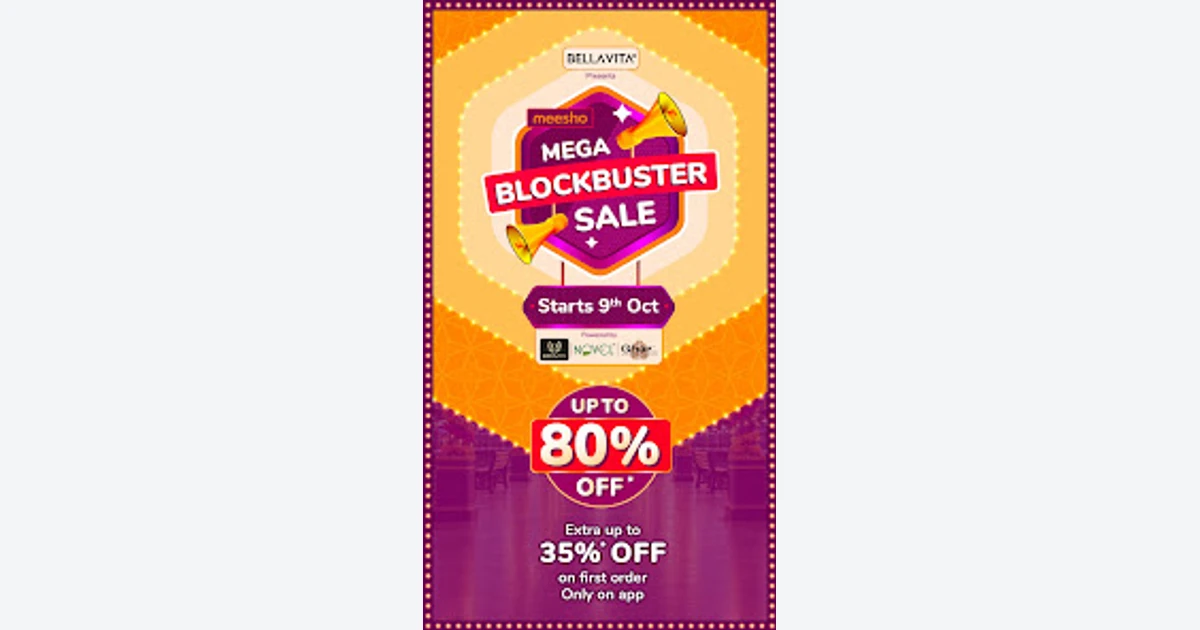
Get up to 35% off a first eligible orderUse a Meesho referral code to open the official app, then check whether a first eligible order receives the currently advertised discount of up to 35%.
Referral Links
(1)Links are shown in random order so everyone gets equal visibility.
Meesho Referral Code Overview
A Meesho referral code opens the official Meesho app route for a new shopper. The current Google Play listing advertises up to 35% extra off a first Meesho order. That is a general first-order promotion visible on the official app listing, not a verified fixed cash payment for using an invitation.
The words “up to” matter. The saving can depend on the products, basket, account, location and live checkout offer. A customer should confirm the actual reduction before placing an order. The invitation can preserve the submitted account attribution, but it cannot guarantee that every new user receives the maximum percentage.
How to Use a Meesho Referral Code
Open the personal invitation on a mobile device and confirm that it leads to the official Meesho app listing or app. Install or open Meesho, create a new account if eligible, and review the first-order promotion shown for that account. Add only products you genuinely want, then check the basket and checkout summary for the applied saving.
The submitted Meesho referral code identifier is 3pc6ye and is carried inside the personal link. Do not type that value into an unrelated coupon field unless the official app specifically requests it. The invitation route and a checkout coupon can be different systems, and entering a referral identifier as a promotion code may not work.
Before payment, verify the product variant, quantity, seller, delivery address, payment method and final total. If the first-order offer is not displayed, do not assume it will be credited later. Use the official support path before ordering solely to obtain an expected discount.
First-Order Offer and Eligibility
Meesho's official Google Play description currently says first-order shoppers can receive up to 35% extra off. It does not state that every item receives 35% or that the offer is a separate referral-only reward. The maximum can be limited by basket rules, product eligibility, campaign inventory or another condition shown in the app.
A Meesho referral code is most relevant to a genuinely new app shopper. An existing account, a reused device, a previous order, a different country or an expired campaign can affect eligibility. Meesho's own checkout is the final place to confirm whether the current account receives the first-order benefit.
Do not increase an order just to reach an uncertain threshold. Compare the final price of the intended products with their normal price and with other available offers. A percentage headline is useful only when the resulting total is lower for products the customer already planned to purchase.
Product, Delivery and Return Checks
Review each listing rather than treating the discount as a quality guarantee. Check the selected size, color, material, dimensions and included quantity. Product photos can show several objects even when the chosen variant contains one, so rely on the written listing and selected option.
The official app listing advertises free delivery and a seven-day free return and refund policy, but item-level conditions can still matter. Read the current policy displayed for the selected product, especially for exchange-only, non-returnable or time-sensitive items. Save the order confirmation and listing details until the return window has passed.
Using a Meesho referral code does not accelerate shipping. Review the estimated delivery date for every item in the basket and allow extra time when an order is needed for an event. If products come from different sellers, they can have different delivery estimates and tracking updates.
Cash on delivery and online payment availability can vary by order or location. Confirm the amount collected and use only the payment flow inside the official app. Never send payment directly to the person who shared a link, and do not share a password or one-time code to activate an offer.
Checking the Discount at Checkout
The checkout summary should show the accepted promotion and final payable amount. Compare that amount with the basket before the discount and check whether delivery charges, taxes or optional fees change the result. A banner stating a maximum saving is not proof that the full percentage applied.
If another coupon appears, read whether it can be combined with the first-order promotion. Meesho may choose the better eligible offer or prevent stacking. Remove and re-add a coupon only inside the official checkout, then review the total again before confirming payment.
The Meesho referral code invitation remains useful as a route into the official app, but the current app offer governs the customer benefit. Keep a screenshot of the displayed promotion if the discount is important. That record can help official support identify the campaign if the final total changes unexpectedly.
Troubleshooting a Missing Offer
First confirm that the account and order qualify as new. Check that the personal invitation opened the official Meesho app, the correct account is signed in, and the basket contains eligible products. Also review whether the promotion has been replaced by a newer campaign.
If the saving disappears after a product or payment change, return to the checkout summary and inspect the live conditions. A seller change, product variant, basket value or payment method can affect eligibility. Do not complete an unwanted purchase to test whether a reward arrives later.
For a missing Meesho referral code benefit, contact Meesho through the official app or the support details on its verified store listing. Provide the invitation URL, account reference and basket or order information through the secure support channel. Do not post personal order or payment information publicly.
Is the Offer Worth Using?
The first-order promotion can be worthwhile when a new shopper already wants eligible products and the discount appears in the final checkout. The useful number is the actual amount saved, not the maximum percentage in the headline.
Before using a Meesho referral code, compare item quality, seller information, delivery timing and return conditions along with price. An inexpensive order that does not fit, arrives late or cannot be returned may offer poor value despite a discount.
FAQ
What can a new shopper get?
Meesho's current official Google Play listing advertises up to 35% extra off the first order. The actual saving depends on the live account and checkout offer.
Is 3pc6ye a coupon code?
It is the identifier carried by the submitted personal invitation. Use it only where the official Meesho flow accepts a referral value; it is not verified as a general checkout coupon.
Does the link guarantee 35% off?
No. The listing says “up to” 35%, so eligible products and account-specific conditions determine the actual reduction.
What if the discount does not appear?
Check new-user status, basket eligibility, the current promotion and the final checkout summary. Contact official Meesho support before buying solely for an expected offer.
Is the invitation safe?
The reviewed link currently redirects to Meesho's verified Google Play listing and preserves its personal attribution. Registration, shopping and payment should still happen only in the official app.
Information
Categories
More Referral Codes

Start free; no customer signup bonus published

Get a free book after a first $30 order

First-order referral discount is shown in checkout
Share Your Referral Code
Join our referral program to share your invite code or referral link with people looking for current referral offers. Rewards depend on each program's terms and eligibility rules.