

Blink.new Referral Code & Link
Get 10 free credits when you sign upBlink.new referral code ya5dw4oh: New users receive 10 free Blink credits at signup through a personal invitation.
Referral Links
(1)Links are shown in random order so everyone gets equal visibility.
Blink.new referral code: current new-user benefit
Use Blink.new referral code ya5dw4oh through the complete personal Blink.new invitation. New users receive 10 free Blink credits at signup through a personal invitation. Keep the referral parameter intact and check the credit balance after registration. Credits are for product usage, not cash or a free paid subscription.
Benefit information was checked on October 3, 2026.
The reward gives a new builder additional credit for trying Blink's AI app creation workflow. Use the invitation before creating the new account and keep the ref=ya5dw4oh part of the address intact. Removing that parameter changes the signup route.
Read the current plans and credits page alongside the offer displayed during registration, since plan features and referral rules can change independently.
What do the free credits cover?
Blink uses credits for AI interactions and other chargeable platform operations. A bonus balance helps you experiment with building, but it is not the same as an unlimited number of projects or unrestricted production hosting.
Start with one focused project idea so you can assess the editor and generated result. For example, outline the inputs and outputs of a small internal tool before asking for several unrelated features. Clear requirements make it easier to judge whether the finished app matches your needs and whether further work is worth the credit cost.
The Blink.new referral code reward and normal plan allowance are separate parts of the account. Review the balance categories shown in your dashboard and the current plan features before budgeting for development. A signup bonus should not be confused with an ongoing monthly credit grant.
How to use Monica's Blink.new invitation
Apply the referral through the official signup URL before completing account creation. The invitation parameter carries ya5dw4oh, so there is no need to invent an alternative coupon or referral address.
- Open https://blink.new/sign-up?ref=ya5dw4oh.
- Check the destination and any referral message shown by Blink.
- Create a new account using the signup methods offered in that session.
- Open the account usage or credit view and inspect the credited bonus.
- Build a small project, review the result, and publish only when you are ready and understand the relevant plan conditions.
The Blink.new referral code ya5dw4oh belongs to this signup invitation. Keep the complete link when sharing it, because entering the identifier into an unrelated billing field would not reproduce the referral flow. Save a screenshot of any offer message if the credited balance matters to your decision.
Publishing is a separate product decision. Check your app's content, access settings, and intended audience before exposing it to visitors. The invitation is not a reason to publish private information or an unfinished application merely to release someone else's reward.
For someone using a Blink.new referral code, the key question is whether the new account received the promised signup balance. If your account displays a different offer, retain the details and ask Blink support to clarify the applicable terms.
Bonus balances, plans, and project costs
Blink's pricing page is the place to compare plan allowances and paid features. Consider the kind of app you want to build, whether it must be private, and whether you need a custom domain or a production deployment. Credit alone does not establish access to every subscription feature.
Check usage after a few representative actions rather than estimating an entire project from one small change. Fixing a label, generating authentication, and operating a deployed app can involve different work. Budget for iteration and verify the output instead of assuming the first generation completes everything.
The Blink.new referral code bonus is described in the documentation as a Bonus Credits balance. Blink says those credits do not expire and are used before plan credits. Review the account display to understand the remaining balance, particularly if you also purchase credits or change plans.
What to do if the credit is missing
Check whether registration actually started through Monica's link and whether the new account's usage view has refreshed. Record the signup time, account email, invitation URL, and the balance shown. Those details make a support request more specific than simply saying the bonus did not work.
Blink's documentation identifies self-referrals or other validation issues as reasons a referral can be invalid. Ask support to review the original account instead of repeatedly changing the invitation identifier.
If registration worked but a project cannot publish, investigate the project and plan requirements separately. A missing deployment feature and a missing signup credit are different issues and may require different information from your account.
What is Monica's Blink.new invitation?
It is ya5dw4oh. Open https://blink.new/sign-up?ref=ya5dw4oh before registering so the invitation identifier reaches Blink with the signup request.
Does the invited user have to publish to get 10 credits?
Blink's documentation assigns the invited user's 10-credit reward to signup. Confirm the actual balance in the new account.
Does the invitation include one free month of Pro?
The verified offer is 10 signup credits. No one-month Pro benefit is established by the referral documentation used here. Compare any paid-plan trial displayed directly by Blink as a separate promotion with its own conditions.
Can the code be added to an existing account?
The documented offer uses a new account created through a referral link. It does not establish a general way to apply this invitation after an unrelated registration. Contact Blink about your account before expecting retroactive credit.
Blink.new invitation: signup questions
Blink.new referral link users should open the complete invitation before account registration. Blink.new invite code entry depends on the official signup flow. Review Blink.new eligibility and Blink.new signup terms before choosing a paid option.
Official benefit sources
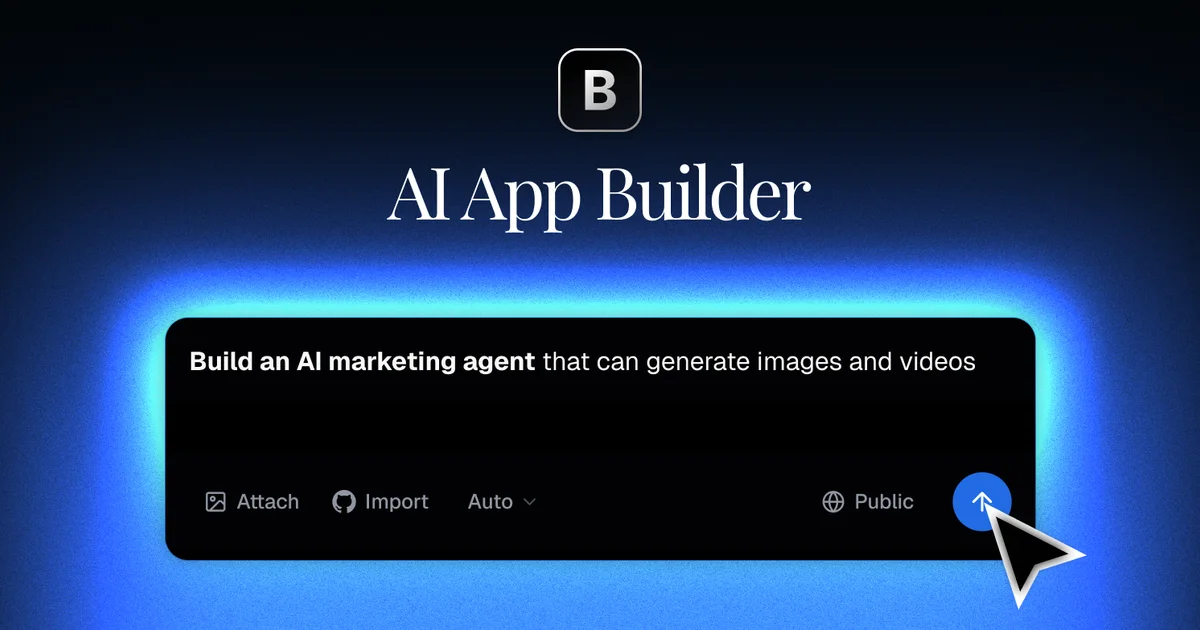
Information
Categories
More Referral Codes
Save 10% on a MegaEsim Travel eSIM

Get 20% Off Residential Premium Once

Start free; extra discounts need a valid code
Share Your Referral Code
Join our referral program to share your invite code or referral link with people looking for current referral offers. Rewards depend on each program's terms and eligibility rules.